Smart Plugs for UK Type G Sockets: What We’d Actually Buy
The best smart plugs available in the UK in 2026, all with UK Type G three-pin sockets. We compare TP-Link Tapo, Amazon, Eve, IKEA and Meross on features, energy monitoring and value.
Contents
- How a Smart Plug Actually Works (and What It Can’t Do)
- Our Top Picks
- TP-Link Tapo P110 - Best Overall
- Pros
- Cons
- Amazon Smart Plug - Best for Alexa Homes
- Pros
- Cons
- Eve Energy - Best for Apple HomeKit
- Pros
- Cons
- IKEA INSPELNING - Best Budget Zigbee Option
- Pros
- Cons
- What to Look for in a UK Smart Plug
- Energy Monitoring
- Size Matters
- Ecosystem Fit
- When You Don’t Actually Need a Smart Plug
- Our Recommendation
- Frequently Asked Questions
- Do smart plugs work with UK Type G sockets?
- Can smart plugs monitor energy usage?
- Will a smart plug work with any device?
- Do I need an electrician to install a smart plug?
- Is it safe to leave a smart plug switched on permanently, unattended?
- Related Guides
A smart plug is one of the cheapest and most versatile smart home upgrades you can make. Plug one in between the wall socket and any appliance - a lamp, a fan, a coffee machine - and you can control it remotely, set schedules, and monitor energy usage. At £10-£20 each, they’re also low-risk enough to experiment with before committing to a full smart home setup. But the differences between the options below - protocol, standby draw, and what they can and shouldn’t be used for - matter more than the headline price.
This guide covers the best smart plugs available in the UK in 2026, all with the standard UK Type G (three-pin, BS 1363) socket. We’ve assessed them on reliability, app quality, energy monitoring, smart home integration, and value.
How a Smart Plug Actually Works (and What It Can’t Do)
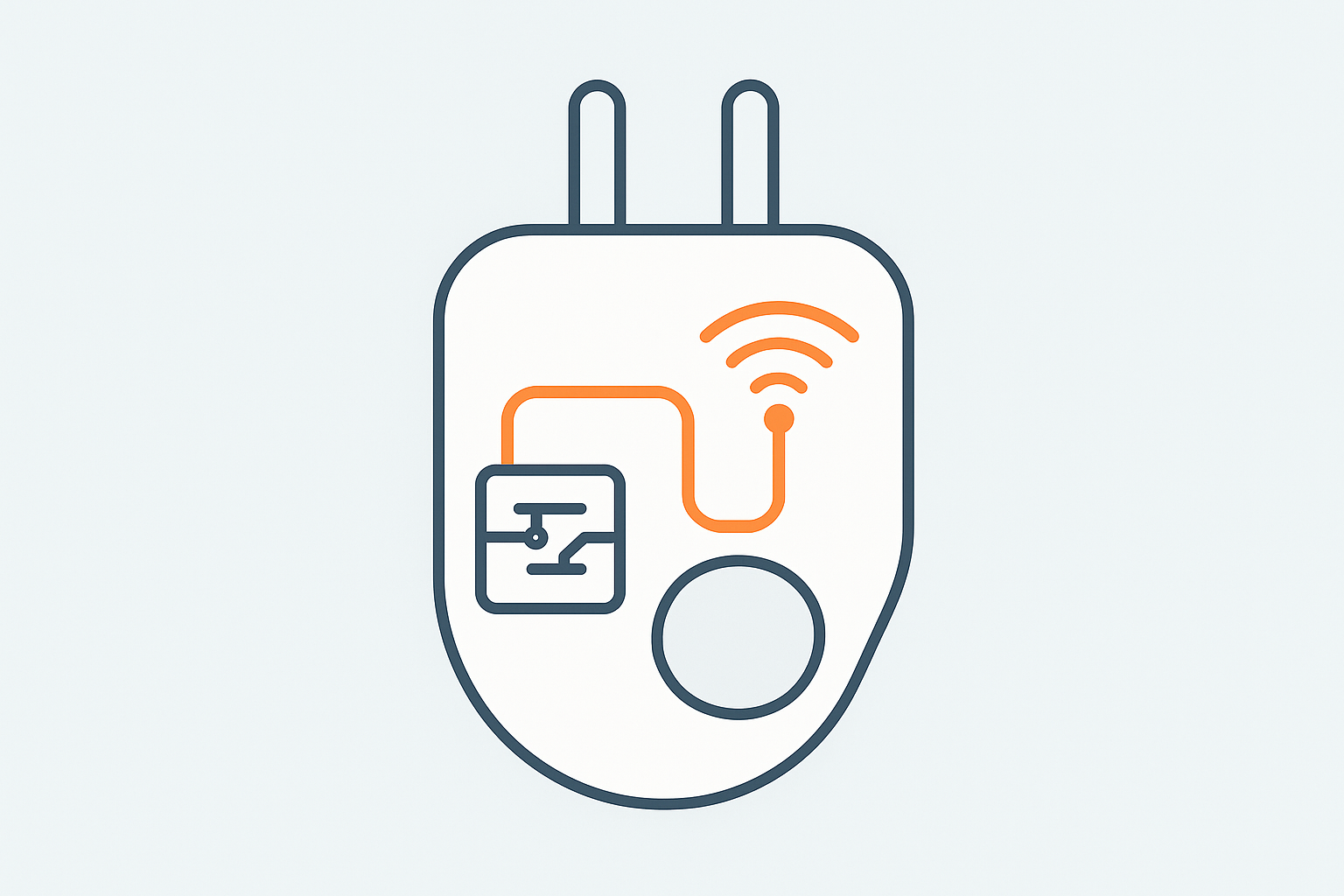
Inside every smart plug is a relay - a small electromechanical or solid-state switch - that physically interrupts the live conductor when commanded, plus a Wi-Fi, Zigbee or Thread radio to receive that command. It’s a smarter version of a mechanical timer plug, not a piece of household wiring. That’s an important distinction: a smart plug sits entirely within your existing socket’s fusing and RCD/RCBO protection (the safety devices in your consumer unit) - it doesn’t bypass or replace them, and doesn’t need an electrician or Part P building regulations sign-off the way permanently-wired smart switches sometimes do, since it’s a plug-in appliance rather than fixed wiring. The trade-off for that simplicity is the 13A/3,120W rating shared by nearly all UK smart plugs - fine for lamps, fans, TVs, coffee machines and most kitchen appliances, but not a substitute for a properly wired connection to anything drawing more (electric showers, ovens, immersion heaters), which should never be run through a plug-in device regardless of its rating.
Our Top Picks
| Smart Plug | Best For | Approx Price |
|---|---|---|
| TP-Link Tapo P110 | Best overall | £16-£19 |
| Amazon Smart Plug | Best for Alexa homes | £24 |
| Eve Energy | Best for Apple HomeKit | £39 |
| IKEA INSPELNING | Best Zigbee budget option | £10 |
| Meross MSS310 | Best Matter option | £17 |
TP-Link Tapo P110 - Best Overall
The TP-Link Tapo P110 is the smart plug we’d recommend to most UK buyers. It’s compact enough not to block an adjacent socket, has reliable Wi-Fi connectivity, and includes energy monitoring - a feature that’s surprisingly absent on many budget competitors. The Tapo app is clean and well-designed, scheduling works reliably, and it integrates with both Alexa and Google Home.
The energy monitoring is genuinely useful: the P110 tracks real-time power consumption and gives you monthly usage reports so you can see exactly how much each appliance is costing you. At UK electricity prices, identifying which devices are energy hungry pays for the plug itself fairly quickly - a device left permanently in phantom standby (an older games console or a poorly-designed set-top box, for instance) can draw several watts continuously, which adds up to several pounds a year per device once you’re running a house full of them.
Pros
- Energy monitoring with monthly reports
- Compact design - doesn’t block adjacent socket
- Reliable Wi-Fi, works with Alexa and Google Home
- Excellent Tapo app
- Regularly on deal, often under £15
Cons
- No HomeKit or Matter support
- Cloud-dependent (TP-Link account required)
Price: £16-£19. Check on Amazon UK.
Amazon Smart Plug - Best for Alexa Homes
If your smart home is built around Amazon Alexa, this is the simplest possible smart plug. It sets up in about 30 seconds via the Alexa app, needs no separate app, and works flawlessly with Alexa routines. Worth knowing if you’ve read about Amazon Sidewalk elsewhere: that mesh-extending feature is US/Canada/Mexico only as of 2026 and isn’t available on UK units, so don’t buy expecting the range benefit some US reviews mention - this is a straightforward Wi-Fi-only plug in the UK.
The downsides are that there’s no energy monitoring, no Google Home support, and no HomeKit. It’s an Alexa product through and through. At £24 it’s also more expensive than the Tapo P110 for fewer features - but if Alexa simplicity is what you want, nothing beats it.
Pros
- Effortless Alexa setup and integration
- No app needed beyond Alexa
Cons
- No energy monitoring
- Alexa-only - no Google Home or HomeKit
- More expensive than competitors with more features
Price: £24. Check on Amazon UK.
Eve Energy - Best for Apple HomeKit
The Eve Energy is the go-to smart plug for Apple HomeKit users. It uses Thread as its connectivity protocol - the same mesh networking technology that underpins Matter - which means it’s fast, reliable, and doesn’t need a hub beyond an Apple Home hub (HomePod mini or Apple TV) acting as a Thread border router. Energy monitoring is included and pulls directly into the Home app, and because Thread is a mesh protocol rather than a direct Wi-Fi connection, each Eve Energy plug you add actually extends the Thread mesh’s range for every other Thread device in the house, not just itself.
At £39 it’s expensive for a smart plug, but the HomeKit and Thread integration is best-in-class and entirely local - no cloud account, no data leaving your home, and commands execute over the local mesh rather than round-tripping to a server. For Apple households that value privacy and reliability, it’s worth the premium.
Pros
- Best HomeKit integration available
- Thread protocol - fast, local, mesh networking that extends range for other Thread devices
- Energy monitoring in the Home app
- No account or cloud required
Cons
- Expensive
- HomeKit only - no Alexa or Google Home
Price: £39. Check on Amazon UK.
IKEA INSPELNING - Best Budget Zigbee Option
At around £10, the IKEA INSPELNING smart plug is the best budget option for anyone with a Zigbee hub - Philips Hue Bridge, IKEA hub, or Home Assistant with a Zigbee coordinator. It includes energy monitoring, integrates reliably with Home Assistant via Zigbee2MQTT, and at this price you can outfit every socket in the house without spending a fortune. Being mains-powered, it also acts as a Zigbee mesh repeater for every other Zigbee device in the house - genuinely useful if you’re also running battery-powered Zigbee sensors elsewhere, since spreading mains-powered plugs around the house strengthens the whole mesh, not just this one socket.
It won’t win any awards for app design - IKEA’s Home Smart app is functional but basic - but for home automation enthusiasts using Home Assistant, direct Zigbee control is often preferable anyway.
From direct, long-term use rather than just research: we’ve been running a mix of INSPELNING and IKEA’s plainer TRETAKT plug (no monitoring, a little cheaper) through Home Assistant via Zigbee for over a year. The honest lesson from that time has been about the mesh rather than the plugs themselves - because they’re mains-powered and repeat the Zigbee signal, spreading a few more of them around the house has done more for the reliability of our battery-powered sensors elsewhere than anything we’ve changed on the coordinator itself. If you’re choosing between IKEA’s two plugs: TRETAKT is the one to buy in bulk for mesh coverage and simple switching, INSPELNING is worth the small extra cost specifically on whichever socket you actually want consumption data from.
Pros
- Excellent price
- Energy monitoring included
- Works with Home Assistant via Zigbee, and repeats the Zigbee mesh for other devices
- Available in UK IKEA stores
Cons
- Requires a Zigbee hub
- IKEA app is basic
- Bulkier than some alternatives
Price: Around £10 from IKEA UK.
What to Look for in a UK Smart Plug
Energy Monitoring
Not all smart plugs include energy monitoring, but it’s worth paying a few extra pounds for. Given current UK electricity prices (around 24p/kWh on average), being able to see exactly what your appliances are consuming helps identify energy hogs - old televisions, gaming consoles on standby, inefficient appliances - and the potential savings can be significant. Worth knowing: the plug itself also draws a small amount of standby power to run its own Wi-Fi or Zigbee radio, typically well under 1W, which is negligible against what it helps you save by exposing a genuinely wasteful appliance.
Size Matters
UK plug sockets are often paired as double sockets. A bulky smart plug can physically block the adjacent socket. Check the dimensions and reviews before buying - the TP-Link Tapo P110 and Meross MSS310 are notably compact for UK sockets.
Ecosystem Fit
Buy smart plugs that work with your existing ecosystem. HomeKit users: Eve Energy. Alexa-first: Amazon Smart Plug or Tapo. Google Home: Tapo or Meross. Home Assistant: IKEA INSPELNING or Tapo (Tapo has a good Home Assistant integration). Matter plugs like the Meross MSS310 work with everything but Matter’s local control advantage only applies if you have a Matter hub.
When You Don’t Actually Need a Smart Plug
Worth being honest about this: if you’re only trying to control a light, a smart bulb is usually the better buy than a smart plug controlling a dumb lamp - it gives you dimming and colour control a plug can’t, at a similar or lower price for a single fitting. And for anything with its own built-in smart/app control already (many modern TVs, some newer appliances), adding a smart plug on top is redundant - check whether the device already does what you’re trying to add before buying a plug for it. Smart plugs earn their place specifically for “dumb” appliances you want scheduling, remote control or energy visibility on: fans, older lamps, coffee machines, and similar always-plugged-in devices.
Our Recommendation
For most UK buyers, the TP-Link Tapo P110 is the right choice - it does everything you’d want from a smart plug at a fair price. If you’re in the Apple ecosystem, invest in the Eve Energy for seamless HomeKit and Thread integration. And if you’re running Home Assistant with a Zigbee setup, the IKEA INSPELNING is outstanding value at £10 a unit.
Frequently Asked Questions
Do smart plugs work with UK Type G sockets?
All the plugs in this guide are specifically designed for UK Type G three-pin sockets (BS 1363). Be careful when shopping on international sites - US (Type A) and European (Type C/F) smart plugs are not compatible with UK outlets and should not be forced into UK sockets, or used with a travel adaptor as a permanent solution.
Can smart plugs monitor energy usage?
Some can. The TP-Link Tapo P110 includes energy monitoring, showing you exactly how much power each device is drawing and what it’s costing. This is particularly useful for identifying which appliances are running up your electricity bill. Basic smart plugs like the Amazon Smart Plug only offer on/off scheduling, without energy data.
Will a smart plug work with any device?
Smart plugs work with any device that plugs into a standard socket - lamps, fans, heaters, TVs, coffee machines. The key limitation is current rating: most UK smart plugs are rated at 13A (3,120W), which covers almost all household appliances. Don’t use smart plugs with high-draw appliances like electric showers or ovens that are wired directly into your consumer unit.
Do I need an electrician to install a smart plug?
No - every plug in this guide is a plug-in device you insert into an existing socket yourself, not fixed wiring, so it doesn’t require an electrician or fall under Part P building regulations. That’s different from smart light switches or fixed smart relays wired into the wall, which do involve working on the fixed electrical installation and are worth having a qualified electrician handle.
Is it safe to leave a smart plug switched on permanently, unattended?
Yes, for any of the plugs in this guide used within their rated 13A limit - they’re built to the same safety standards as a standard UK plug and remain protected by your consumer unit’s fuse/RCD exactly as a normal socket would be. As with any mains device, avoid covering it or using it in a way that restricts airflow around it.
Related Guides
Related guides
 GUIDE
GUIDE
Smart Home Gear That Actually Works in a Small Flat or Shared House (UK)
What to buy for communal areas vs your own room in a house share, and how…
 GUIDE
GUIDE
Smart TVs and Streaming Boxes for a Connected Home: UK Picks
Apple TV, Fire TV Stick and Chromecast compared for how well each plugs into your existing…
 GUIDE
GUIDE
Smart Dehumidifiers UK: Which Ones Are Actually Worth Automating
Meaco, Pro Breeze and EcoAir smart dehumidifiers compared for tackling UK damp and condensation, plus a…