Echo vs Nest vs Sonos vs HomePod: The UK Smart Speaker Comparison
Smart speakers are the voice interface for your smart home. We compare the best options in the UK across Amazon, Google, Sonos and Apple - covering sound, smart home control and value.
Contents
- Quick Comparison
- Zigbee Hub vs Thread Border Router: Not the Same Thing
- Room Placement and Multi-Room Audio Protocols
- Amazon Echo (4th Gen) - Best All-Rounder
- Google Nest Audio - Best for Google Users
- Sonos Era 100 - Best Sound Quality
- Apple HomePod (2nd Gen) - Best for Apple HomeKit Homes
- Which Should You Buy?
- Who Doesn’t Need a Smart Speaker
- Frequently Asked Questions
- Which smart speaker has the best sound quality?
- Can smart speakers control my entire smart home?
- Do smart speakers always listen?
- Does having a Thread border router speaker mean I don’t need a separate smart home hub?
- Where’s the best place to put a smart speaker for voice recognition?
- Related Guides
Smart speakers do two things: play audio and control your smart home by voice. The best ones do both well. The worst are mediocre at both. After comparing the main options available in the UK on their specs, ecosystem lock-in and real-world reviews, here’s where each one sits - and which is right for your home.
Quick Comparison
| Speaker | Assistant | Price | Smart Home Hub | Best For |
|---|---|---|---|---|
| Amazon Echo (4th Gen) | Alexa | ~£89.99 | Zigbee + Matter | Alexa ecosystem, balanced audio |
| Amazon Echo Dot (5th Gen) | Alexa | ~£54.99 | Matter via Wi-Fi | Budget rooms, kids’ rooms |
| Google Nest Audio | Google Assistant | ~£89.99 | Matter (Thread border router) | Google ecosystem, music quality |
| Google Nest Mini (2nd Gen) | Google Assistant | ~£49 | No | Budget voice control |
| Sonos Era 100 | Alexa / Google | ~£249 | No | Premium audio, multi-room |
| Apple HomePod (2nd Gen) | Siri | ~£299 | Thread + Matter | Apple HomeKit homes, audiophiles |
| Apple HomePod mini | Siri | ~£99 | Thread + Matter | Apple HomeKit homes, budget |
Zigbee Hub vs Thread Border Router: Not the Same Thing
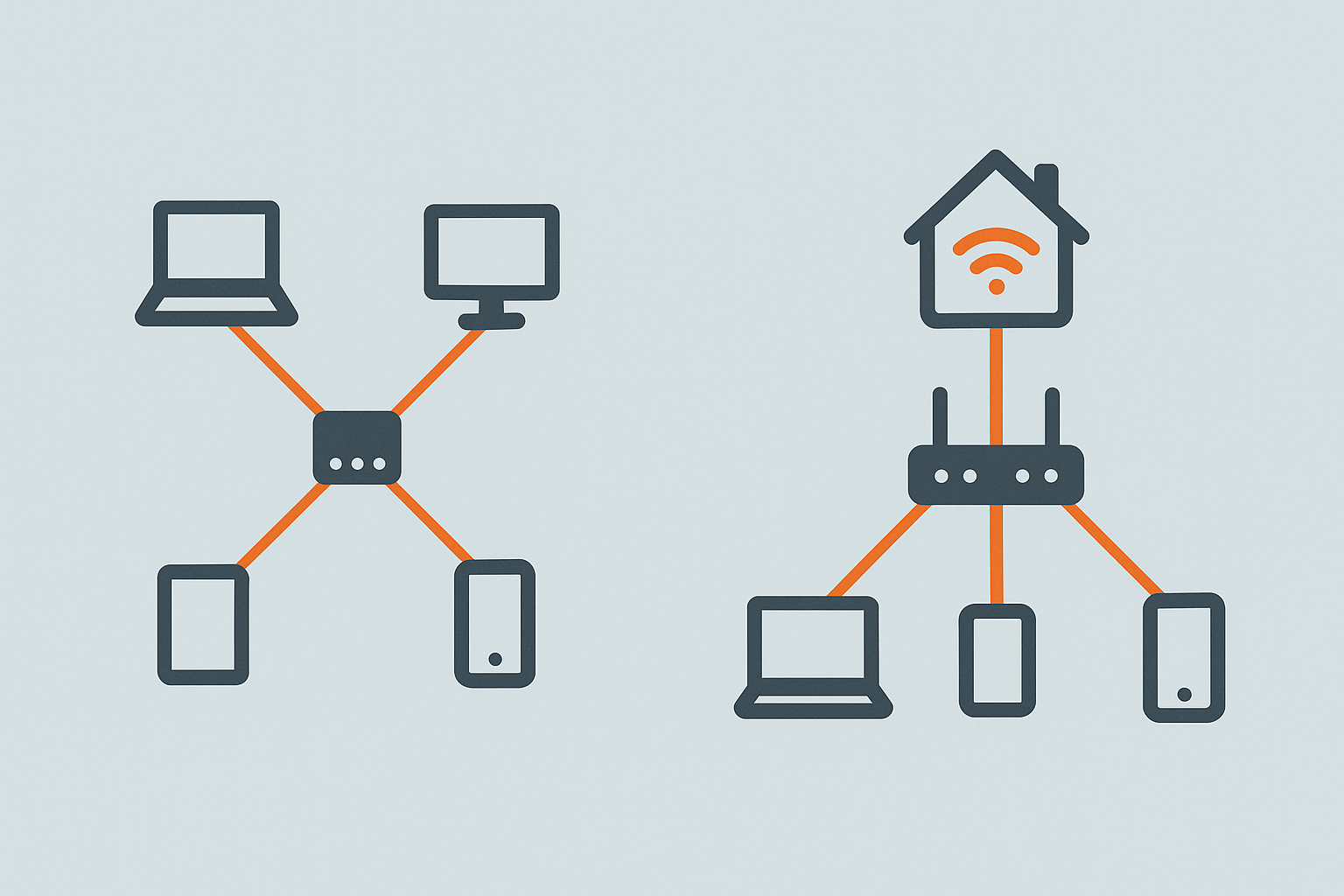
Worth understanding before assuming any of these speakers makes a separate hub unnecessary: “smart home hub” in the table above covers two genuinely different technologies. The Echo’s built-in Zigbee hub lets it directly pair and control Zigbee devices (many Philips Hue, Aqara and other sensors/bulbs) without a separate coordinator - useful, but Amazon-specific, and only for Zigbee devices. A Thread border router (Nest Audio, HomePod, HomePod mini) is a different thing entirely: it’s infrastructure for Matter-over-Thread devices specifically, and multiple brands’ Thread border routers on the same network cooperate rather than compete - having a Nest Audio and a HomePod mini in the same house both contribute to a more robust shared Thread mesh, unlike Zigbee hubs which are generally single-ecosystem. If you’re planning a Matter/Thread-based smart home, a Thread border router speaker is doing genuine infrastructure work; if you’re buying Zigbee devices specifically, only the Echo’s built-in hub actually helps with those.
Room Placement and Multi-Room Audio Protocols
Two practical points worth knowing before buying: first, placement genuinely affects both voice recognition and audio quality more than people expect - a speaker pushed into a corner or against a wall gets noticeably boomier, bass-heavy sound than one with breathing room, and a speaker’s far-field microphone array (used to hear “Alexa” or “Hey Google” from across a room) works best with a relatively clear line to where people actually talk, not tucked behind a TV or under a shelf. Second, if you’re planning more than one speaker for whole-house audio, the multi-room protocol matters: Sonos’s own system (S2) is purpose-built for gapless, perfectly synced multi-room audio and remains the most reliable; Apple’s AirPlay 2 (HomePod, HomePod mini) is nearly as good specifically within an all-Apple setup; Alexa’s multi-room grouping and Google’s speaker groups both work but are more prone to occasional sync drift between rooms than the dedicated systems, particularly over Wi-Fi rather than a wired backhaul.
Amazon Echo (4th Gen) - Best All-Rounder
The Amazon Echo 4th Gen is the sweet spot in the Echo range. Its spherical design sounds better than it looks - a 3-inch woofer and dual tweeters produce a room-filling sound that outperforms most speakers at this price. More importantly for smart home users, it has a built-in Zigbee hub and supports Matter as a controller, meaning you can pair many smart home devices directly without needing a separate hub.
Alexa’s smart home control is excellent - device grouping, routines, and third-party Skills all work reliably. For music, Amazon Music and Spotify both integrate natively; BBC Sounds works via the BBC Sounds Skill, though live BBC radio stations occasionally need the specific station name spoken clearly (“play Radio 4” works more reliably than “play the news”) to avoid Alexa defaulting to a generic news briefing instead.
Check Amazon Echo (4th Gen) on Amazon UK →Affiliate link
Google Nest Audio - Best for Google Users
The Google Nest Audio sounds excellent for its price - cleaner and more detailed than the Echo 4th Gen in side-by-side listening tests, particularly for podcasts and speech. Google Assistant answers factual questions more accurately than Alexa and handles UK-specific queries (BBC iPlayer, local businesses, UK news) more reliably.
The Nest Audio is a Thread border router, which means it can act as a hub for Thread-based Matter devices. If you’re building a Matter-based smart home and are in the Google ecosystem, it’s a future-proof choice. It works with Google Home routines and syncs deeply with Android phones, Google Calendar, and Google Maps.
Check Google Nest Audio on Amazon UK →Affiliate link
Sonos Era 100 - Best Sound Quality
If audio quality is the priority, the Sonos Era 100 is in a different class. Two tweeters angled left and right create genuine stereo imaging from a single unit. Bass is tight and controlled. The Era 100 also adds Alexa and supports Matter, and Sonos’s multi-room system is the best available - if you add a second Era 100 in another room, they stay perfectly synchronised with no audio lag, and two Era 100s in the same room can be paired into a genuine stereo pair for meaningfully wider soundstage than a single unit.
Sonos supports Spotify, Apple Music, Amazon Music, and most major UK streaming services. The Sonos app has improved significantly in recent years after a troubled redesign period. At £249, it’s an investment - but one that delivers on sound.
Check Sonos Era 100 on Amazon UK →Affiliate link
Apple HomePod (2nd Gen) - Best for Apple HomeKit Homes
The Apple HomePod 2nd Gen sounds superb - spatial audio, adaptive room sensing, and Apple’s custom silicon deliver an audio experience that rivals speakers costing twice as much. As a smart home hub, it’s an Apple HomeKit hub, a Thread border router, and a Matter controller - all in one unit. If your smart home is built around HomeKit, it’s the natural centrepiece.
Siri has improved but still lags behind Google Assistant and Alexa for general knowledge queries. Smart home control via Siri is reliable for HomeKit devices. At £299, it’s the most expensive option here - but the HomePod mini at £99 offers the same hub functionality at a fraction of the price if audio quality is less of a priority.
Check Apple HomePod (2nd Gen) on Amazon UK →Affiliate link
Which Should You Buy?
- Already using Alexa or Amazon Prime? → Echo (4th Gen). Built-in Zigbee hub is a bonus
- Deep in the Google ecosystem? → Nest Audio. Better audio than Echo, excellent Assistant
- Audio quality is the priority? → Sonos Era 100, especially if you plan a multi-room setup
- Apple household, building on HomeKit? → HomePod mini for the hub; HomePod 2nd gen if you want great sound too
- On a budget? → Echo Dot 5th Gen or Nest Mini. Both do the job for voice control and casual listening
Who Doesn’t Need a Smart Speaker
If your main interest is smart home control rather than music or voice assistant features, a display-based hub or your phone’s app may already cover what you need without adding an always-listening microphone to a room - worth being honest about whether voice control is something you’ll actually use daily, or a novelty that gets used for the first week and then ignored. Households with strong privacy concerns about always-on microphones, even with the wake-word-only listening model covered in the FAQ below, may reasonably prefer to skip voice assistants entirely and control smart home devices via app or physical switches instead.
As an Amazon Associate we earn from qualifying purchases. This doesn’t affect our recommendations.
Frequently Asked Questions
Which smart speaker has the best sound quality?
For pure audio quality, Sonos Era 100 is the clear winner - it’s designed first as a music speaker, with smart home features as a bonus. Apple HomePod (2nd gen) is a close second, particularly for Apple Music listeners. Amazon Echo and Google Nest Audio are competent for everyday listening but trail behind Sonos on clarity and bass at the same volume.
Can smart speakers control my entire smart home?
Yes, to a degree. Both Alexa (on Echo devices) and Google Assistant (on Nest speakers) can control thousands of compatible smart home devices by voice - lights, plugs, thermostats, locks, and more. For more advanced automations and local control, you’d still want a dedicated hub like Home Assistant alongside the speaker.
Do smart speakers always listen?
Smart speakers listen for their wake word (“Alexa” or “Hey Google”) and only begin recording after detecting it. They don’t continuously stream audio to the cloud. That said, there are occasional false activations. You can review and delete your voice history in the respective apps, and physically mute the microphone when you want guaranteed privacy.
Does having a Thread border router speaker mean I don’t need a separate smart home hub?
Partially - it removes the need for a dedicated Thread border router device specifically, but it isn’t a full replacement for something like a Zigbee coordinator or a Home Assistant setup if you’re running non-Thread protocols. See the hub-vs-border-router section above for the distinction.
Where’s the best place to put a smart speaker for voice recognition?
Somewhere with a relatively clear line to where people actually speak from, ideally not wedged into a corner, under a shelf, or directly behind a TV - all of which muffle both the far-field microphone pickup and the speaker’s own output. A little breathing room around the unit also noticeably improves bass response.
Related Guides
Related guides
 GUIDE
GUIDE
Homebridge: Bringing Non-HomeKit Devices into Apple Home
Apple’s smart home ecosystem is genuinely good once everything is in it - one app, real…
 GUIDE
GUIDE
Smart Home Gear That Actually Works in a Small Flat or Shared House (UK)
What to buy for communal areas vs your own room in a house share, and how…
 GUIDE
GUIDE
Smart TVs and Streaming Boxes for a Connected Home: UK Picks
Apple TV, Fire TV Stick and Chromecast compared for how well each plugs into your existing…