Smart Home for Elderly & Accessibility in the UK: Devices That Actually Help
Voice control, automatic lighting, and fall-alert wearables can make a real difference for older or less mobile residents. Here's where to actually start.
Contents
- Voice Control: The Single Biggest Win
- Motion-Sensor Lighting: Reducing Fall Risk
- Fall Detection and Personal Alarms
- Passive Activity Monitoring: Peace of Mind Without a Camera
- Medication Reminders
- Video Doorbells: Confidence Without Having to Answer the Door
- Smart Plugs: Small Physical Wins
- Smart Thermostats and Cold-Related Health Risk
- Where Voice Control Doesn’t Work for Everyone
- Where to Start
- Frequently Asked Questions
- Is a smart speaker hard to set up for someone who isn’t tech-confident?
- Can council telecare services help pay for any of this?
Smart home marketing is mostly aimed at tech enthusiasts, but a lot of the same technology has a much more practical use case: helping older or less mobile people live independently for longer, and giving family members genuine peace of mind. This isn’t about a full gadget-filled smart home - a handful of well-chosen devices can make a meaningful daily difference.
Voice Control: The Single Biggest Win
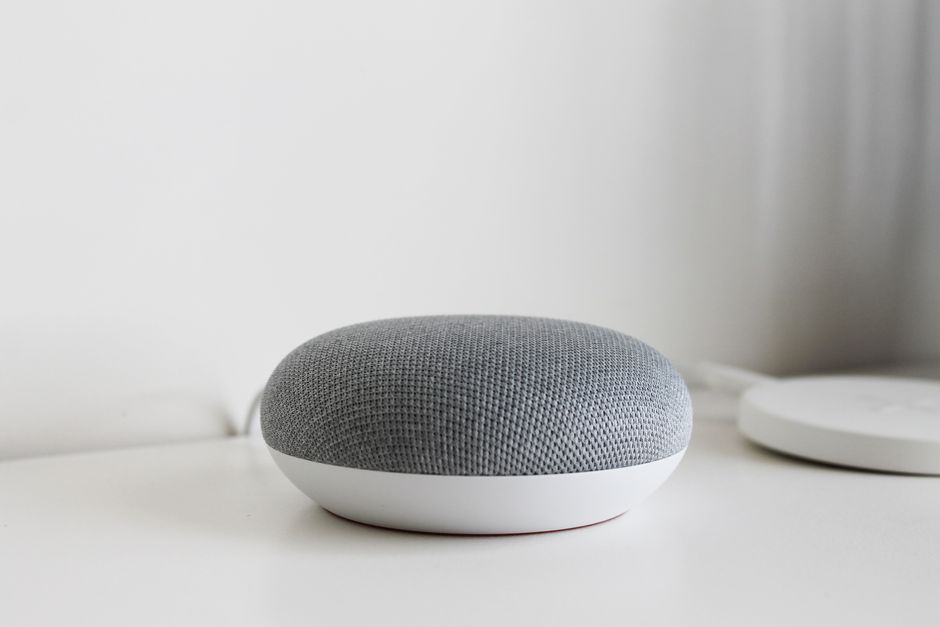
For anyone with limited mobility, reduced grip strength (arthritis is extremely common), or visual impairment, a voice-controlled smart speaker is often the single most useful device in this entire category. “Alexa, turn off the lights” removes a trip across the room; “Alexa, call [family member]” removes needing to find and dial a phone one-handed. See our smart speaker guide for options - for this use case specifically, prioritise a speaker with clear voice recognition and a simple companion app over audio quality.
A smart display (an Echo Show or Google Nest Hub with a screen rather than a plain speaker) is worth the small extra cost for this use case in particular - video calling a family member becomes a single spoken command rather than finding and unlocking a phone, and the screen can show simple visual reminders (medication times, appointments) alongside the voice features.
Motion-Sensor Lighting: Reducing Fall Risk
A large proportion of falls among older people happen at night, often on the way to the bathroom, in the dark, before the eyes have adjusted. Motion-triggered smart lighting in hallways, on stairs, and in bathrooms turns lights on automatically the moment someone gets up - no need to find a switch in the dark. Combine smart bulbs with a motion sensor (most major ecosystems - Philips Hue, Aqara, IKEA - offer one) set to a low, non-jarring brightness for night-time use.
Shop smart motion sensors on Amazon UK →Affiliate link
Fall Detection and Personal Alarms
Traditional UK “careline” personal alarm pendants - the kind offered through local council telecare services and organisations like Age UK - remain the most robust option for genuine fall/emergency response, since they connect to a 24-hour monitoring centre rather than just a phone notification. If you’re looking at consumer tech alongside or instead of this, the Apple Watch’s built-in fall detection (which can automatically call emergency services if the wearer doesn’t respond) is a genuinely useful feature for anyone already comfortable wearing a smartwatch. These are complementary, not competing - a monitored careline pendant plus a smartwatch covers more scenarios than either alone.
Passive Activity Monitoring: Peace of Mind Without a Camera
Worth knowing about as a genuinely useful middle ground between “no monitoring at all” and “a camera inside someone’s home,” which is often an uncomfortable step for both the person being monitored and the family member asking for it. Passive activity monitoring uses ordinary sensors already covered above - a smart plug on the kettle, a motion sensor in a hallway, a door sensor on the front door - to build a simple picture of normal daily routine, then alert a family member only when that routine is unexpectedly absent: the kettle not switched on by mid-morning, no motion detected in the house for an unusually long stretch. Some ecosystems now build this in directly (Amazon’s Alexa Together service is the best-known UK-available example, layering scheduled check-in prompts and activity alerts on top of an existing Echo device), but the same effect can be assembled from ordinary smart plugs and motion sensors with a basic Home Assistant or app-based automation if a ready-made service doesn’t fit. It respects privacy far better than a camera - nobody’s watched or recorded, only whether the day’s ordinary pattern happened - while still giving a family member a genuine early signal if something’s wrong.
Medication Reminders
Missed or duplicated medication doses are a common and genuinely serious risk, and this is an area where simple technology often works better than complex technology. A basic smart speaker routine (a scheduled voice reminder at set times) covers the “did I forget” problem cheaply. For anyone managing multiple medications with strict timing, a dedicated automatic pill dispenser - which physically locks compartments until the correct time and can alert a family member if a dose isn’t taken - is a more robust step up, and worth discussing with a GP or pharmacist who may be able to point to NHS-recommended options for more complex regimes.
Video Doorbells: Confidence Without Having to Answer the Door
A video doorbell lets you see and speak to whoever’s at the door from a phone or tablet, without needing to physically get up and answer - useful for reducing both physical strain and the anxiety of opening the door to an unknown visitor. Two-way talk means you can simply tell a caller you’re not able to come to the door right now. If a family member helps manage things remotely, sharing doorbell access lets them see who’s calling too, without needing to be physically present.
Smart Plugs: Small Physical Wins
Smart plugs sound minor but solve a real problem: switching off an appliance without bending down to reach a low socket, or turning on a lamp from a chair via voice or app rather than getting up. It’s a low-cost, low-effort starting point if you’re easing a relative into using any of this technology for the first time.
Smart Thermostats and Cold-Related Health Risk
Older people are more vulnerable to health problems from living in a cold home, and may under-heat a house to save money without fully registering how cold it’s actually got. A smart thermostat with a simple minimum-temperature safeguard (or a family member able to check the current reading remotely via an app) turns an invisible risk into something that can be monitored and gently corrected without confrontation.
Where Voice Control Doesn’t Work for Everyone
Worth being honest about, since voice control is presented above as the single biggest win, and for most people it genuinely is - but it isn’t a universal solution. Significant hearing loss can make it hard to hear a spoken confirmation back from the speaker, and speech difficulties following a stroke or with certain conditions affecting speech clarity can mean a voice assistant simply doesn’t reliably recognise the command being given, which is frustrating rather than helpful if pushed as the only option. For these situations, a smart display’s touchscreen shortcuts, a simple physical smart button (a single press triggers a preset action - calling a family member, turning on all the lights), or a tablet running a simplified, large-icon dashboard are worth exploring instead of or alongside voice. The right starting device genuinely depends on the specific person’s needs rather than which technology is newest or most talked about - it’s worth spending time understanding what actually works for them before buying anything, rather than assuming voice control is automatically the right first step for every situation described in this guide.
Where to Start
Don’t try to set up everything at once, especially for someone who isn’t tech-confident. A sensible order: a smart speaker first (immediate, obvious benefit), then motion-sensor lighting on the route to the bathroom, then a video doorbell if visitors are frequent. Fall detection and monitored alarms are worth arranging through a GP, social worker, or local council telecare service, who can advise on what’s available and often subsidised in your area - see our smart home starter kit guide for a general first-purchase framework.
Frequently Asked Questions
Is a smart speaker hard to set up for someone who isn’t tech-confident?
Initial setup (Wi-Fi connection, account linking) is best done by a family member or friend, but day-to-day use is just speaking naturally - no app or screen navigation required for the core features, which is exactly why it tends to be the easiest starting point.
Can council telecare services help pay for any of this?
Many UK local councils offer subsidised or free telecare equipment (personal alarms, some sensor-based monitoring) as part of adult social care support - eligibility and offerings vary significantly by council, so it’s worth contacting yours directly or asking a GP/social worker what’s available in your area.
As an Amazon Associate we earn from qualifying purchases. This doesn’t affect our recommendations.
Related guides
 GUIDE
GUIDE
Setting Up Automations in the Apple Home App: A Complete UK Guide
The Apple Home app has quietly become a genuinely capable automation platform, not just a remote…
 GUIDE
GUIDE
Smart Home Gear That Actually Works in a Small Flat or Shared House (UK)
What to buy for communal areas vs your own room in a house share, and how…
 GUIDE
GUIDE
Future-Proofing Your Smart Home: Lessons from Discontinued Ecosystems (Wink, Insteon) UK
What the Wink and Insteon shutdowns teach us about avoiding smart home purchases that could disappear…