Video Doorbells With No Subscription: UK Options Compared
Ring and Nest push you toward a monthly plan for full features. These video doorbells store footage locally instead, with no ongoing fee required.
Contents
- How Local Storage Actually Works
- Wired vs Battery, and UK Doorbell Wiring Specifically
- Quick Comparison
- Best Overall: Eufy Video Doorbell
- Best Budget Option: Reolink Video Doorbell WiFi
- Best for Existing Smart Homes: Aqara Smart Video Doorbell G4
- What You Give Up Going Subscription-Free
- Frequently Asked Questions
- Can I still view a live feed remotely with no subscription?
- What happens to old footage when local storage fills up?
- Can I replace an existing wired doorbell with a battery model?
- How long do battery models actually last between charges?
Our main smart doorbell guide covers the big names - Ring, Nest, Arlo - but there’s a catch with most of them worth calling out on its own: to get more than a live view and basic motion alert, you typically need a monthly cloud storage subscription to actually review recorded clips later. For anyone who’d rather pay once and be done, there’s a smaller but capable group of doorbells that record locally instead, no ongoing fee required - though the three options here differ enough in storage capacity, wiring requirements and real-world footage retention that “no subscription” alone isn’t enough to pick between them.
How Local Storage Actually Works
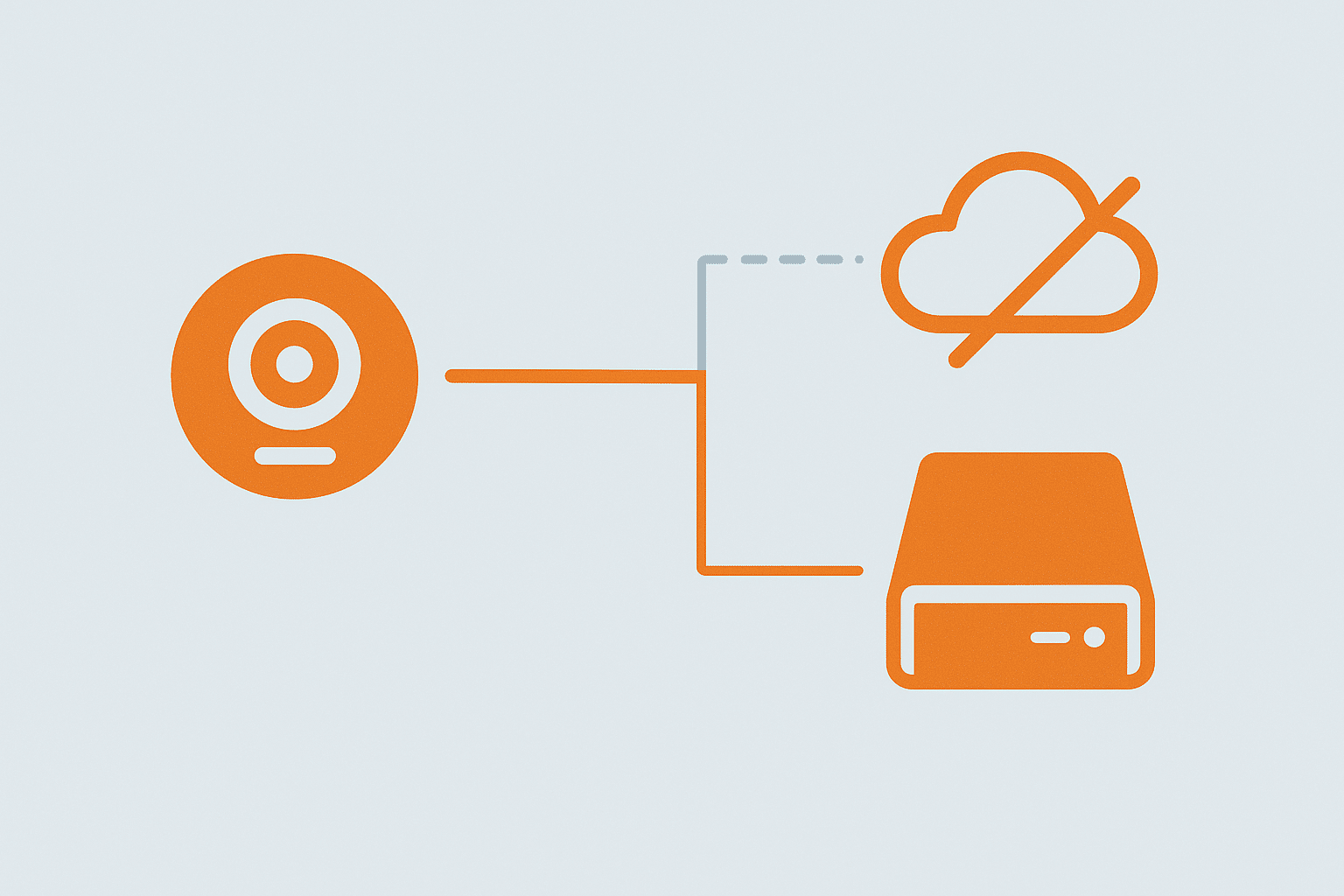
Rather than uploading every clip to the manufacturer’s cloud, these doorbells save footage to a microSD card in the doorbell itself, or to a small hub/HomeBase unit inside your house. You lose the “watch from anywhere in the world instantly” cloud convenience in some cases, but you get full clip history without a subscription, and your footage never leaves your property by default. What actually varies between products - and matters more than the headline “no subscription” claim - is how much footage that local storage actually holds before it starts overwriting itself, which depends on card/storage size, video resolution, and how much motion your specific doorway generates (a doorbell facing a busy pavement fills storage far faster than one in a quiet cul-de-sac).
Wired vs Battery, and UK Doorbell Wiring Specifically
Most UK homes built from the 1970s onward already have a wired doorbell circuit - a low-voltage transformer (typically 8-24V AC) feeding a mechanical or electronic chime box. This matters for choosing between these three: Reolink’s doorbell here is wired-only and needs that existing transformer circuit, effectively replacing your existing bell push and reusing the wiring already in the wall, which is a straightforward like-for-like swap if you have it. Eufy and Aqara both offer battery models that need no wiring at all - genuinely easier if your house doesn’t have a wired doorbell circuit, or if the existing wiring is in a state you’d rather not deal with - but battery models need periodic recharging (typically every 1-3 months depending on how much activity triggers recording), which is worth factoring in as an ongoing (if not financial) cost.
Quick Comparison
| Product | Power | Storage | Resolution | Typical Price | Best For |
|---|---|---|---|---|---|
| Eufy Video Doorbell (E340/S220) | Battery or wired | Local HomeBase (weeks of history) or built-in (days) | Up to 2K, dual-camera on E340 | £100-180 | No subscription, easiest all-round setup |
| Reolink Video Doorbell WiFi | Wired only | microSD card, up to 128GB (buyer-supplied) | 2K | £60-90 | Budget option, simple standalone unit |
| Aqara Smart Video Doorbell G4 | Battery, wired chime-compatible | microSD (buyer-supplied) + optional hub, or HomeKit Secure Video | 1080p | £90-130 | Existing Aqara/Zigbee smart homes |
Best Overall: Eufy Video Doorbell
Eufy built its entire security camera range around the “buy it once” pitch, and its doorbells are no exception. Depending on the model, footage is stored either directly on the doorbell or on a EufyCam HomeBase unit inside the house, giving you weeks of recorded history with zero recurring cost - the HomeBase route specifically holds meaningfully more (Eufy’s own documentation suggests several weeks of typical activity on the standard HomeBase storage, versus closer to a week on doorbell-only local storage) which is the real practical difference between the two Eufy configurations, not just a convenience one. The dual-camera E340 model adds a second, lower-angled lens specifically for parcels left on the doorstep - genuinely useful in the UK where front-door deliveries are common and a single top-down doorbell camera often misses a package sitting directly below it. You still get phone notifications, two-way talk and person detection - the things you actually want day to day - without a plan behind any of it.
Worth knowing: Eufy has had past scrutiny over cloud-related data handling on some products, which the company addressed with firmware and policy changes. If local-only privacy is your main reason for choosing this route, check current documentation for the specific model before buying.
- Pros: genuinely no ongoing fee for core features, weeks of local recorded history via HomeBase, strong two-way talk and detection accuracy, E340’s second package-angle camera is a genuinely useful UK-relevant feature
- Cons: some models need the separate HomeBase unit for full history (doorbell-only storage is meaningfully shorter), past privacy scrutiny worth checking current status on for your specific model
Check Eufy Video Doorbell on Amazon UK →Affiliate link
Best Budget Option: Reolink Video Doorbell WiFi
Reolink’s doorbell is a straightforward wired unit that records to a microSD card in the doorbell itself - no hub required at all, and no separate purchase needed beyond a card (it supports up to 128GB, which at 2K resolution realistically holds several weeks of motion-triggered clips for an average front door, more for a quieter one). Being wired-only means you’ll want that existing UK doorbell transformer circuit in place; if you don’t have one, this isn’t the pick. It’s less polished in the app than Eufy or Ring, but it’s one of the cheapest genuinely subscription-free options with 2K video and motion detection that’s configurable enough to avoid constant passing-car alerts - worth spending ten minutes in the app narrowing the detection zone to just your doorstep rather than the whole street.
- Pros: cheapest of the three, no hub needed at all, configurable motion zones, largest supported card size here means genuinely long local history if you buy a big enough card
- Cons: wired-only (no battery option, so needs existing wiring), app is less polished than competitors, card not included so factor that into the real price
Check Reolink Video Doorbell on Amazon UK →Affiliate link
Best for Existing Smart Homes: Aqara Smart Video Doorbell G4
If you’ve already got Aqara sensors or an Aqara Hub, the G4 slots into the same app and automations - for example, triggering hallway lights when someone’s detected at the door in the evening. It records to a local microSD card, and if you’re on Apple hardware it can integrate with HomeKit Secure Video as an alternative to local card storage (though that specific route does need an iCloud+ plan, so it’s not the no-subscription path if you go that way). Resolution is the honest trade-off here - at 1080p it’s noticeably behind the 2K on Eufy and Reolink, which matters if you want to read a delivery driver’s face or a vehicle registration clearly rather than just confirm someone’s at the door.
- Pros: integrates directly with existing Aqara automations, dual-path storage (microSD or HomeKit Secure Video)
- Cons: most useful specifically if you’re already in the Aqara or Apple ecosystem; less of a standout for a first smart home purchase; 1080p resolution is a real step down from the other two for identifying detail
Check Aqara Video Doorbell G4 on Amazon UK →Affiliate link
What You Give Up Going Subscription-Free
- Off-site backup - if the doorbell or hub is stolen along with the storage, that footage is gone; cloud storage survives physical theft
- Person/package AI detection - some of the smarter detection features on subscription plans (Ring’s package alerts, for instance) are cloud-processed and not always available locally
- Remote clip sharing polish - sharing a clip with a neighbour or the police is usually a bit more manual without a slick cloud sharing feature
- Multi-property access - if you’re checking on a second home or a rental, local storage means you can only pull clips while genuinely connected to that property’s network or via the manufacturer’s remote-view feature (which usually still works without a subscription for live view, just not always for historical clip retrieval)
Frequently Asked Questions
Can I still view a live feed remotely with no subscription?
Yes - live view and push notifications work over the internet without a subscription on all three products here; the subscription-free part refers specifically to recorded clip storage and history, not live viewing.
What happens to old footage when local storage fills up?
All three typically overwrite the oldest footage automatically once storage is full (similar to a dashcam), so you don’t need to manage it manually - just be aware retention length depends on card/storage size and how much motion the doorbell records. A doorbell on a busy street with passing traffic and pedestrians will fill and cycle through storage much faster than one on a quiet driveway, so real-world retention varies more between houses than between products.
Can I replace an existing wired doorbell with a battery model?
Yes, generally - battery models like the Eufy and Aqara here just need the old bell push removed and the doorbell mounted in its place; the existing wiring can usually be capped off and ignored, or in some cases used to trickle-charge the battery unit if the specific model supports it (check the manual for your model before assuming). You don’t need to keep the old wiring live for the doorbell itself to work.
How long do battery models actually last between charges?
Realistically 1-3 months for most UK front doors, depending heavily on how much motion and how many notifications the doorbell triggers - a busy street or a doorbell angled to catch the pavement will drain noticeably faster than one only catching your own doorstep. Narrowing the motion detection zone in the app, which is worth doing anyway to cut down on irrelevant alerts, also meaningfully extends battery life.
For the wider picture on wired vs battery doorbells and full-fat cloud options, see our Best Smart Doorbell UK guide, and our home security system comparison for how doorbells fit into a wider setup.
As an Amazon Associate we earn from qualifying purchases. This doesn’t affect our recommendations.
Related guides
 GUIDE
GUIDE
Should You Put Smart Home Devices on a Separate VLAN? A UK Guide
Every smart home device on your network is, from a security standpoint, a small computer running…
 GUIDE
GUIDE
Smart Home Gear That Actually Works in a Small Flat or Shared House (UK)
What to buy for communal areas vs your own room in a house share, and how…
 GUIDE
GUIDE
Smart TVs and Streaming Boxes for a Connected Home: UK Picks
Apple TV, Fire TV Stick and Chromecast compared for how well each plugs into your existing…